
A producer
for the whole film
Brief it once. It plans the shots, generates them, reviews what came back, gives you the timeline to cut, proposes the short versions, hands you a link to send for approval, and publishes the film to your channel when you ask it to. Paid work starts from a scoped, costed proposal — never from a message in a chat box.
New accounts are read by a person before they are approved. There is no instant free tier; approved accounts pick a plan on pricing.
Built with support from
- Microsoft
- AWS
- NVIDIA
- OpenAI
- ElevenLabs
- Stripe
- Mercury
Brief to published film
The pipeline does not stop at export. What comes after it — review, cuts, approval, publishing — is where a film stops being a render and becomes something you can send.
Brief
What the film is for, and who it is for.
Plan
The shot list and its lengths, before anything is generated.
Generate
Stills from your references, then video, shot by shot.
Review
Each shot and the whole film, against what was asked for.
Edit
Trims, order, levels, captions, framing.
Clips
Short cuts in the shape each platform wants.
Publish
Out to a connected channel, at the audience you choose.
What you actually work in
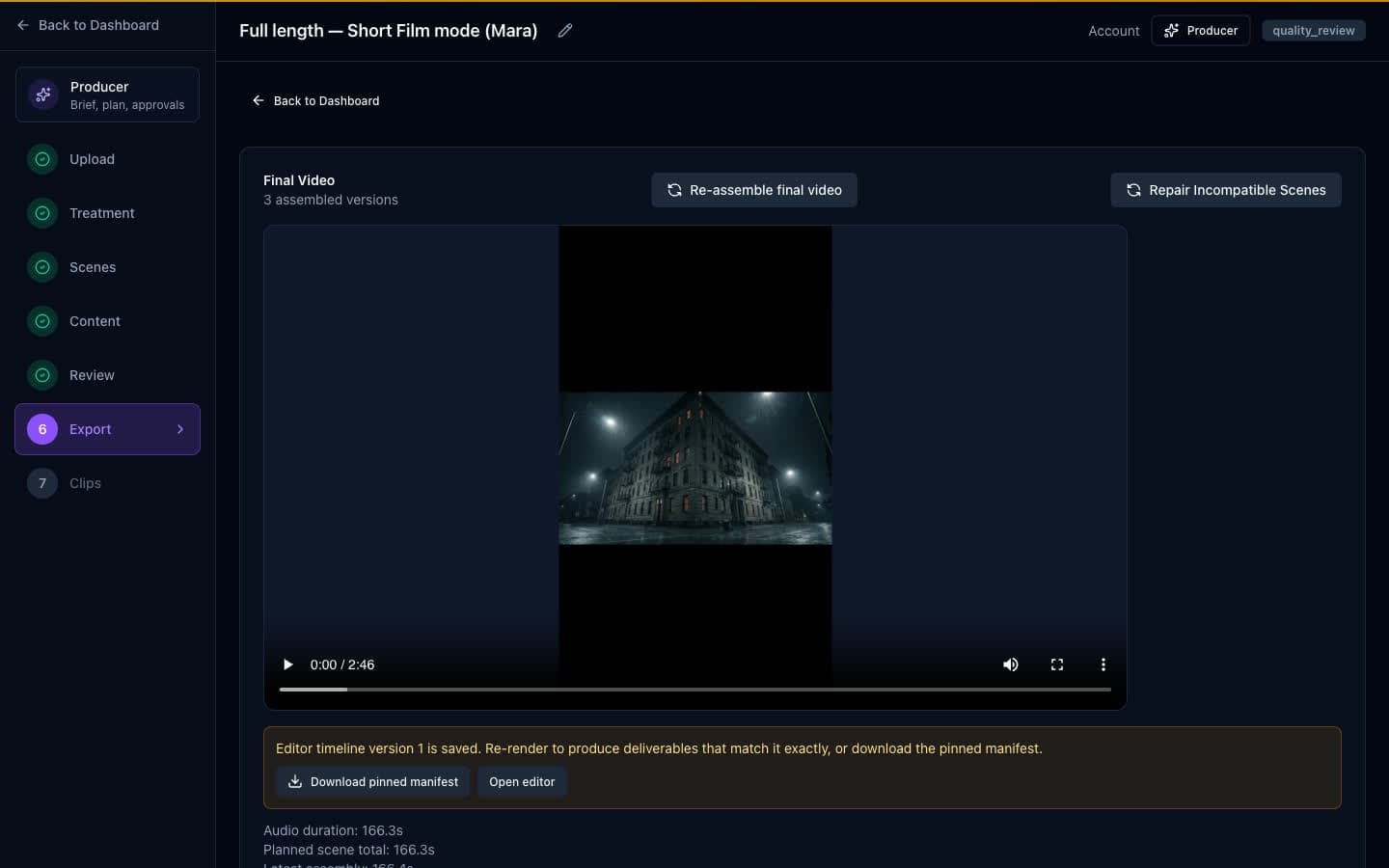
Four screens, photographed as they ship: the Producer, the content it made, the timeline, and the finished versions.
Tell it what the film is for
The Producer turns a brief into a plan you can read before anything is paid for — shots, order, cost — and then runs it as a graph of tasks you can watch. The decisions it takes along the way are written down where you can read them back.
Ask it in words to revise shot four and it answers with a scoped, costed proposal and the next step you take yourself. A typed request never starts paid work on its own.
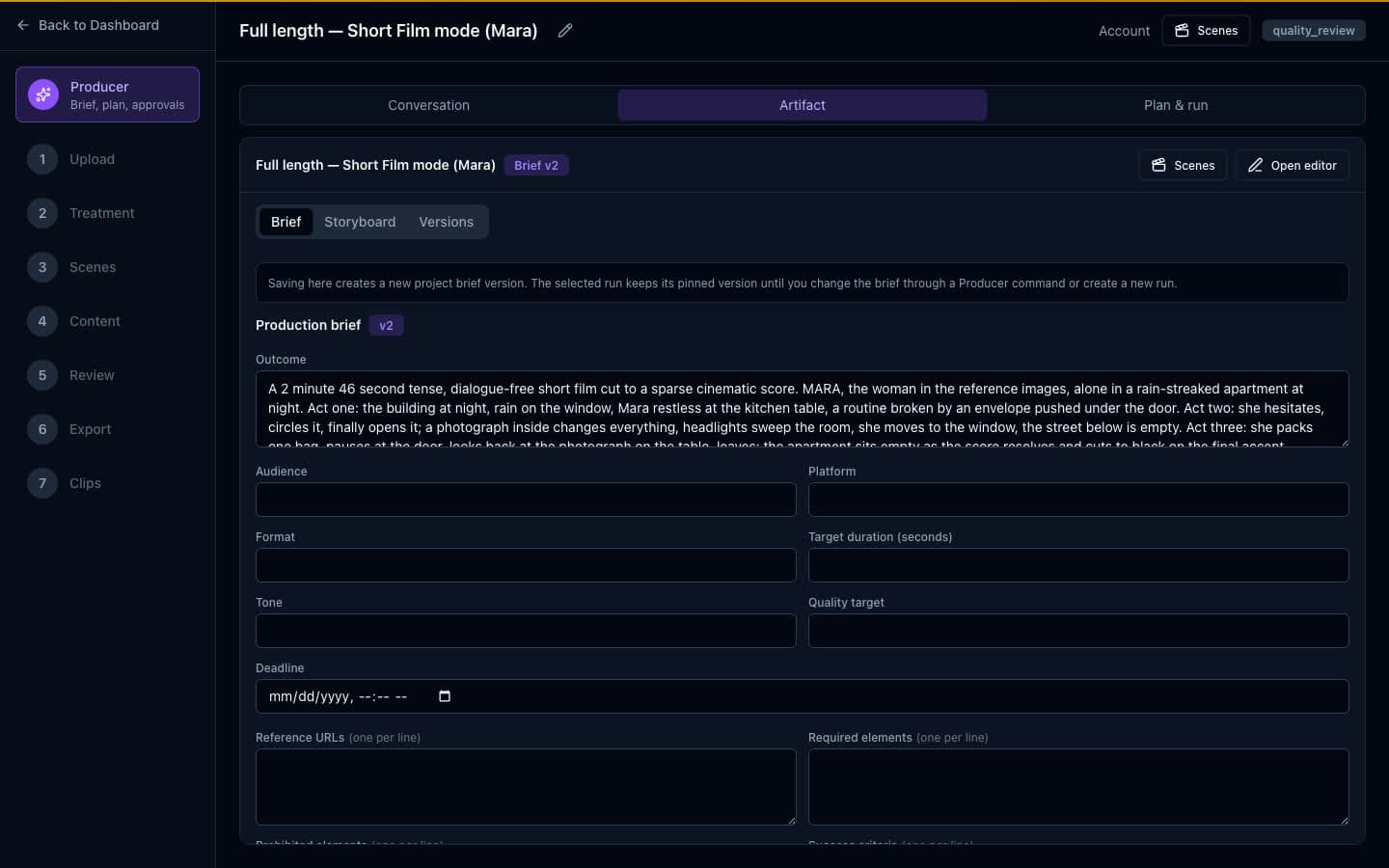
References in, shots out
Reference images hold a face, a product or a look steady across the film — up to fourteen per project, of which the default stills model reads the first five. Veo 3.1 renders the video unless a deployment is configured otherwise, and stills go to Gemini, or to an Azure GPT-Image deployment where one is configured.
The Content screen counts what exists rather than claiming the run went well: images made, videos made, and how many finished versions came out the end.
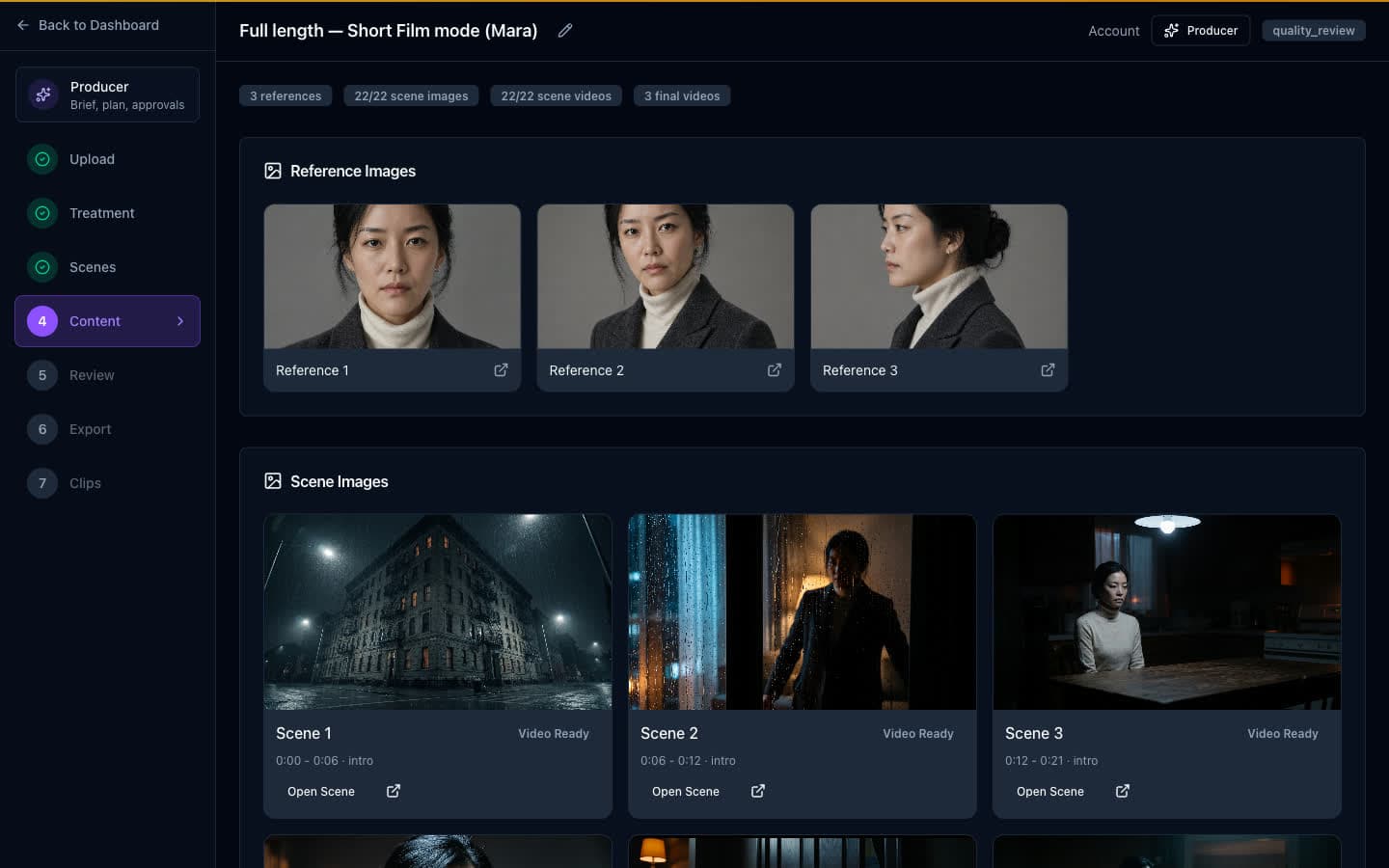
Then cut it yourself
The timeline is not a separate approximation of the film. The preview and the export are rendered from one plan — the same trims, track order, levels, ducking, captions and framing — so the preview you sign off is the cut that renders. A preview that is behind your unsaved edits is still shown, and labelled as behind.
Framing you set by hand is yours. An automatic pass refuses to replace it unless you ask it to.
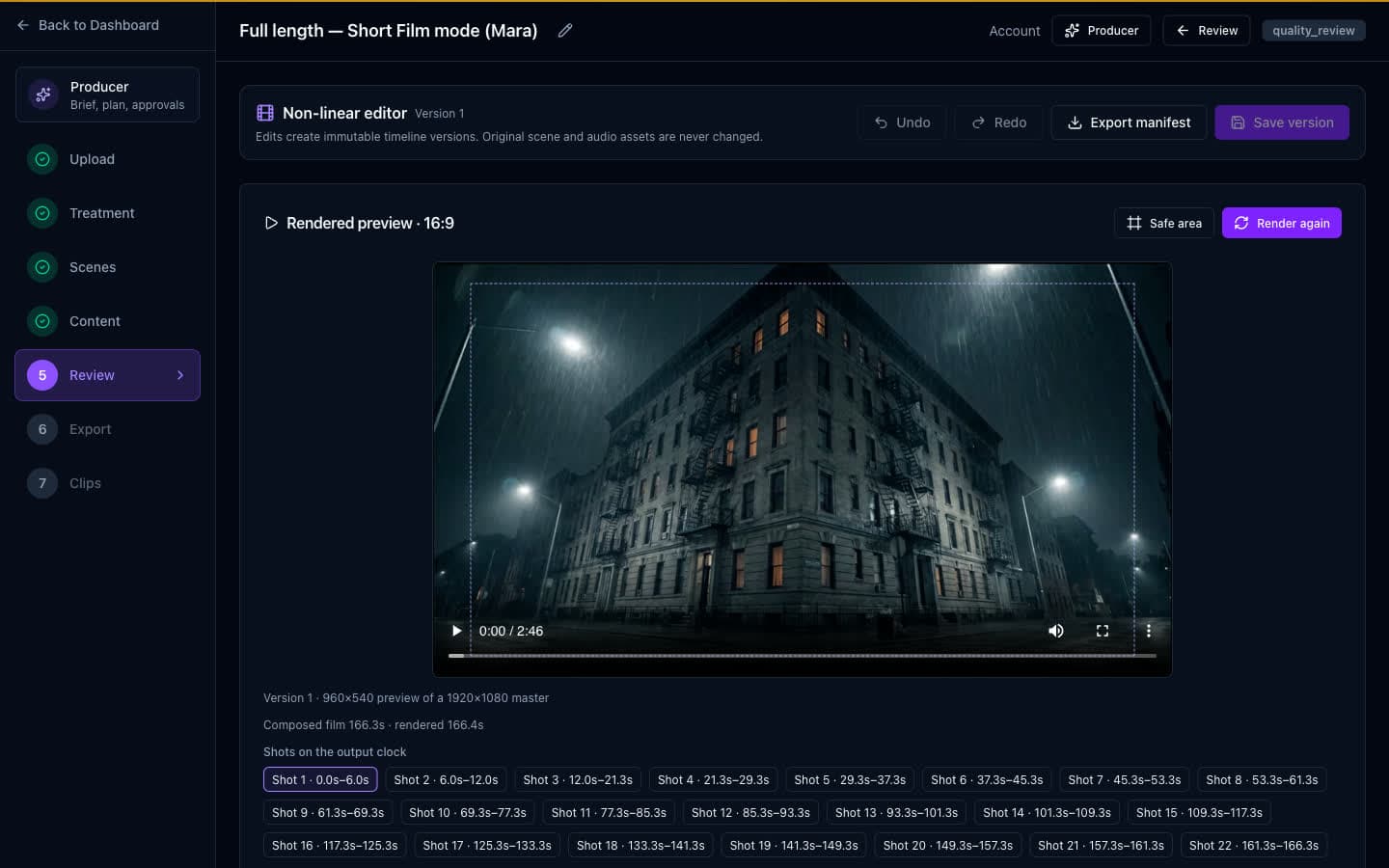
One film, several finished versions
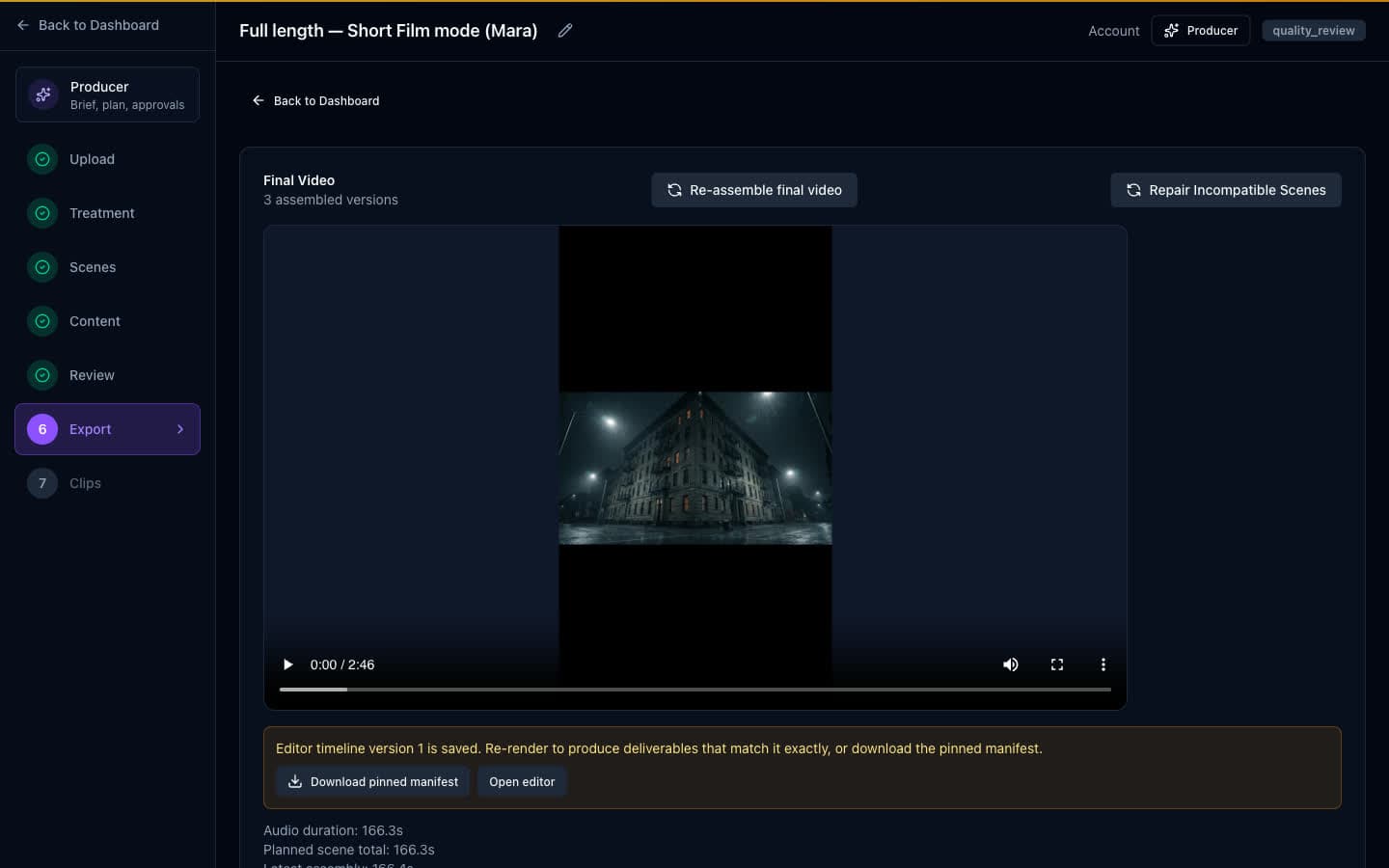
Export assembles the film and keeps each version distinct — a wide master, a vertical cut, whatever the brief asked for — rather than overwriting one file as you iterate.
Each version is stamped with the verdict the project's review had reached when that version was assembled — passed, draft with findings, or never reviewed — so nobody has to remember which cut was signed off.
The film speaks, and it fits the frame
Two things a silent 16:9 render cannot do on its own.
A narrator, or a cast
One voice over the picture, or characters talking to each other in shot, each cast to one of 30 prebuilt voices and kept on that voice for the whole film — the way a face stays the same face.
Lines are written to the length of the shot at a pace a person can actually read, with a breath at each end, so nobody is rushed to fit a cut. Where a line still overruns its shot, it is marked as overrunning rather than quietly clipped. The narrator gets their own track, and the music ducks under them.
The limit is stated rather than hidden: a take voices two speakers, so a three-hander is written as scenes of two.
Vertical that follows the subject
A wide shot cropped to 9:16 is only worth having if the crop is on the person. One click samples frames across the clip, asks where the subject is in each one — a person, a product, whatever the shot is about — and writes the crop keyframes, smoothed so the frame glides instead of snapping.
It is a suggestion, and treated as one. A reading that leaps across the frame between samples is thrown away, and when nothing usable comes back the clip keeps the centred crop it already had. Framing set by hand is not replaced unless you explicitly ask for it to be.
One film, many cuts
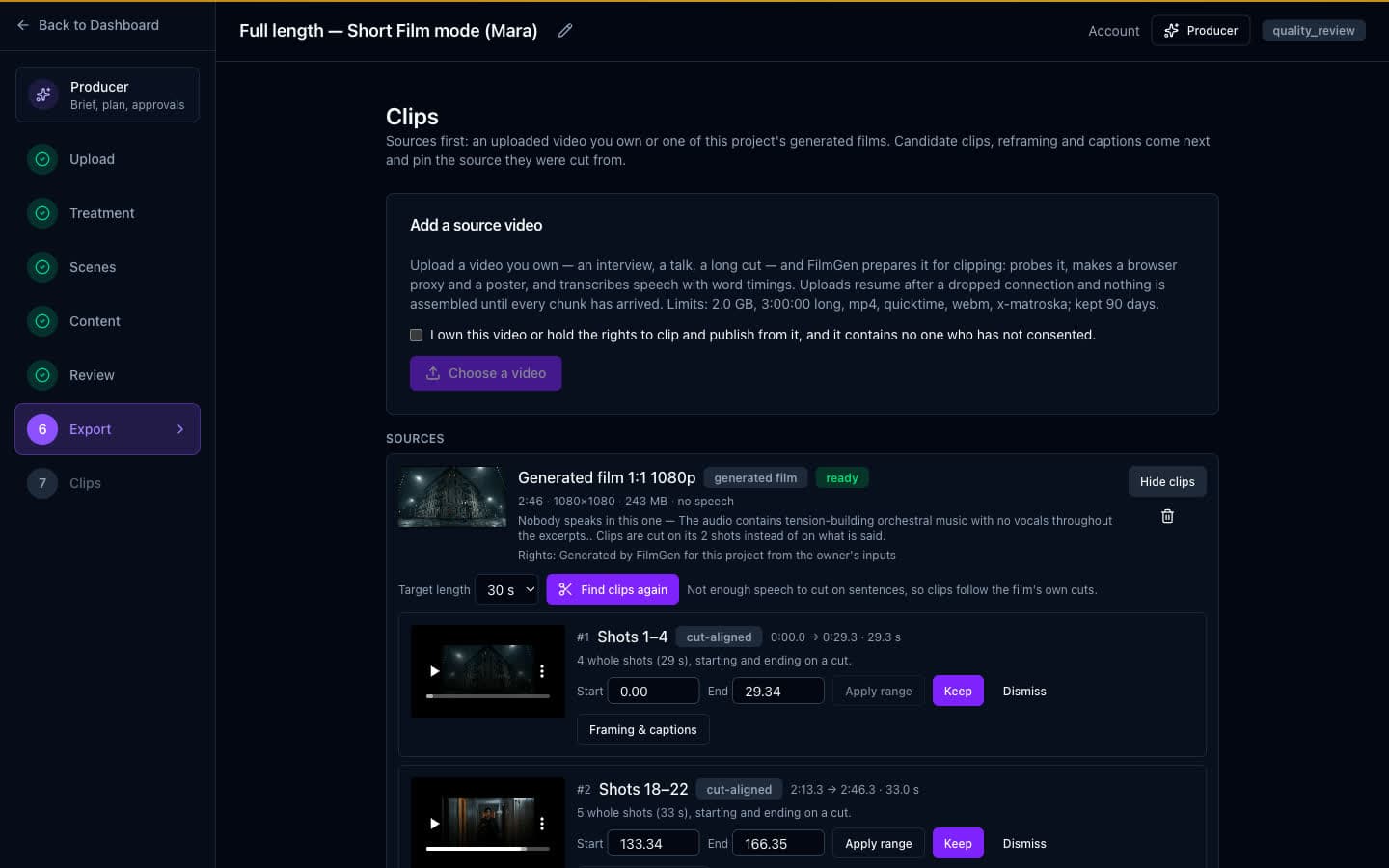
Candidates come with the reason they were chosen, so you can disagree with the reason rather than guessing at the cut.
Cut on a thought, or on a cut
Where there is speech, a candidate begins and ends on a complete thought and never mid-word. Where there is none — a music-only film, the one in the screenshot — candidates run between the film's own shot boundaries, and the screen says that is why.
With neither speech nor cut data it proposes evenly spaced windows and admits it had nothing to go on, so you can fix the range by ear instead of trusting a number that means nothing.
Get it signed off, then get it out
A film nobody has signed off, that you still have to download and re-upload somewhere else, is not a finished job.
Send it for approval
A review link shows one exact version to someone with no account. You choose how long it lives — 3, 7, 14 or 30 days — whether they may comment, and whether they may approve. Revoking it stops the link there and then, and the feedback already given stays with you.
An approval belongs to the version it was given on. Re-render the clip and the older decision stops standing and is marked as such, so nobody is credited with approving a cut they never watched. The link is not an account: it never opens the project behind it.
Then publish it
Connect a YouTube channel once — permission to upload, and to read the channel back so we can name it here; never to edit or delete what is already on it — and the finished film goes out from here, titled and set to private, unlisted or public.
A cut that did not pass its review does not go public without you saying so in as many words. The upload runs on our side, so you can close the tab, and pressing publish twice does not publish twice. Sent is not reported as live until YouTube says it is live.
Filmgenic is invite-only
Ask for access and a person reads the request. Approved accounts choose Creator or Studio, or talk to us about a custom rollout.